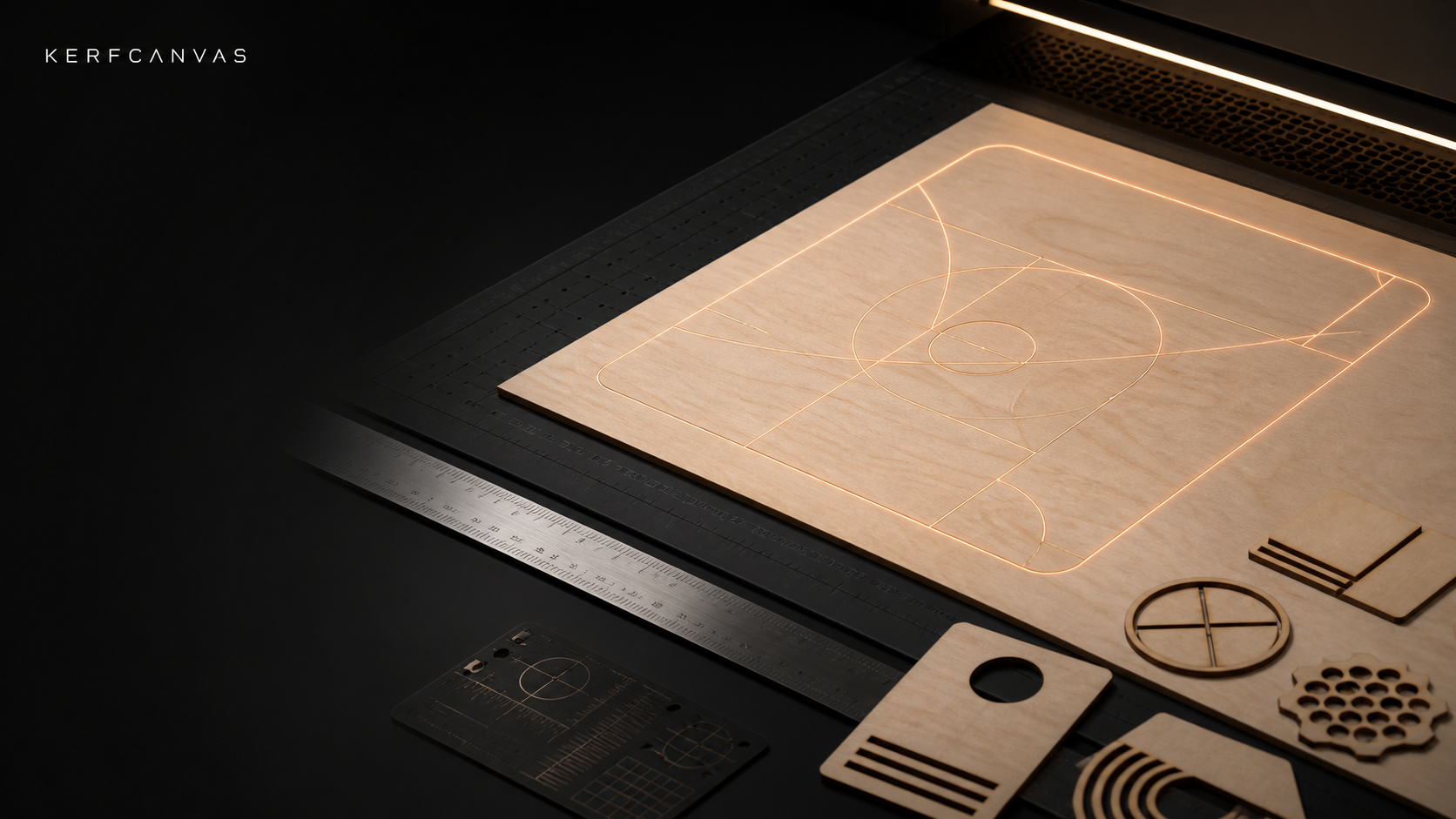
A precise amber laser guide path laid out over birch on a dark fabrication bed

Local-first laser preparation

Measure first.
Cut with intent.

Inspect artwork, prove its physical size, calibrate real kerf, build a repeatable job, and continue in the offline KerfCanvas desktop app when a machine is involved.

No account requiredLocal browser processingNo web machine control

One continuous workflow

From uncertain file to verified package

KerfCanvas keeps physical units, operation intent, measured profiles, warnings, and recipe evidence together—so every next step knows what the previous step changed.

01 / INSPECT

Know the file

Resolve units, dimensions, layers, open paths, duplicate cuts, fonts, and unsupported features.

02 / CALIBRATE

Know the material

Measure kerf, focus, interval, and fit for this machine, lens, material, and batch.

03 / PREPARE

Build the job

Generate, engrave, nest, order, simulate, and preserve every decision in a reusable recipe.

04 / HANDOFF

Run locally

Export a portable package or review it in Desktop before any physical machine action.

Available now

The 20-tool launch catalog

Every launch route has a bounded local result, explicit assumptions, and downloadable evidence. The broader 200-tool roadmap advances only when the same release bar is met.

Availablebrowser

Laser file inspector

Inspect SVG dimensions, units, viewBox data, and common preparation risks before you edit or export.

Availablebrowser

Cut / score / engrave mapper

Turn colors and layers into explicit fabrication intent with a portable operation sheet.

Availablebrowser

Vector health check

Find open paths, duplicate lines, overlaps, self-intersections, stray objects, and off-bed geometry.

Availablebrowser

SVG cleanup and sanitization

Remove active and external content, editor debris, and unstable whitespace with an exact change report.

Availablenumeric

Kerf and fit calculator

Translate measured kerf and target clearance into tab, slot, and cut-path dimensions.

Availablebrowser

Tabs, bridges, and cut order

Generate an explicit inner-before-outer plan with visible holding-tab locations and a portable report.

Availablebrowser

Photo engraving studio

Crop, tone, sharpen, resample, dither, compare, and export a reproducible engraving recipe.

Availablebrowser

Dither and halftone lab

Compare common dithers and halftones at the intended physical line interval.

Availablehybrid

Outline and stencil repair

Screen text for common enclosed islands and generate a bridge-mask plan; complex tracing routes to Desktop.

Availablebrowser

Measured kerf and fit coupon

Generate a labeled measured-fit coupon and preserve the setup assumptions in a portable report.

Availablebrowser

Material test grid

Generate a labeled speed, power, and passes matrix without presenting universal safe settings.

Availablebrowser

Focus and interval tests

Generate focus-ramp and DPI/line-interval fixtures tied to a specific optics and material profile.

Availablebrowser

Finger-joint box studio

Create six kerf-aware finger-joint panels with visible dimensions and measured-fit assumptions.

Availablebrowser

Living hinge studio

Generate a hinge field and matching test strip with material-specific assumptions visible.

Availablebrowser

Sign and personalization studio

Create a local multi-name sign or tag batch with physical dimensions and explicit font-portability limits.

Availablehybrid

Deterministic sheet nesting

Place rectangular quantities onto sheets with rotation, spacing, utilization, and collision-free bounds.

Availablebrowser

Rotary planner

Calculate setup, preview the seam and usable circumference, and generate a calibration strip.

Availablehybrid

G-code simulator and preflight

Inspect supported GRBL-family output for bounds, units, origin assumptions, and laser-on motion.

Availablenumeric

Material safety checker

Record composition evidence and shop policy with explicit unknown and prohibited outcomes.

Availablenumeric

True cost and job manifest

Estimate material, time, labor, waste, setup, and margin, then export a reproducible job manifest.

Post-launch200-tool roadmap

See what is next

Follow the evidence-gated expansion beyond the coherent launch workflow.

A hard safety boundary

The website prepares. Desktop controls.

Browser tools never connect to, jog, frame, fire, start, pause, resume, or reset a laser. KerfCanvas Desktop repeats profile validation and preflight before supervised machine output.

Artwork processingLocal by default
Browser machine accessNever
Material settingsEvidence, not universals
Desktop handoffReview required