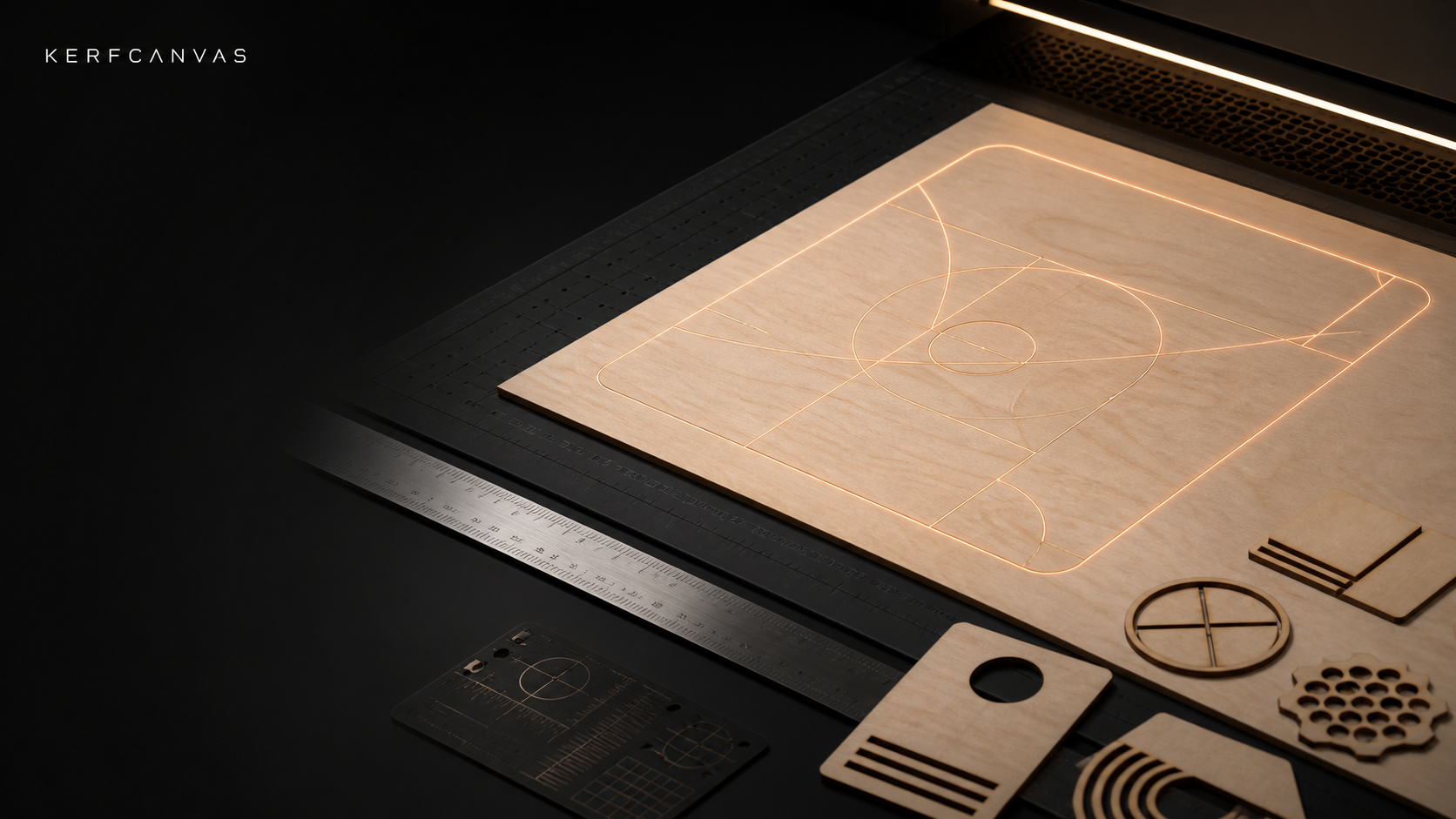
Laser tools that run on your device
Measure first.
Cut with intent.
Check your artwork, confirm its real size, measure kerf, prepare the job, and move to the offline Desktop app when it is time to work with a machine.
A clear path from file to finished plan
Know what you are cutting before you start
KerfCanvas keeps size, cut and engrave choices, measured settings, warnings, and saved steps together so you can see what changed.
Know the file
Resolve units, dimensions, layers, open paths, duplicate cuts, fonts, and unsupported features.
Know the material
Measure kerf, focus, interval, and fit for this machine, lens, material, and batch.
Build the job
Create patterns, prepare engraving, arrange parts, choose cut order, and save your settings.
Review before cutting
Download the project and open it in Desktop before any machine action.
Available now
200 tools, organized by what you want to make
Twenty common tools have their own pages. Thirteen multi-tool pages keep closely related jobs together, so the full collection stays easy to browse.
- Tools included
- 200
- Single-purpose pages
- 20
- Multi-tool pages
- 14
- Categories
- 6
Check and fix design files
28 tools organized into 4 pages.
Prepare photos and artwork
32 tools organized into 4 pages.
Make boxes, signs, puzzles, and more
52 tools organized into 8 pages.
Test cuts and calculators
32 tools organized into 8 pages.
Plan cuts and export files
30 tools organized into 7 pages.
Materials, shop records, and pricing
26 tools organized into 2 pages.
A clear safety boundary
The website prepares. Desktop connects.
The website never connects to, moves, starts, pauses, or resets a laser. Desktop checks your selected machine and setup again before supervised output.